
Sharing Options
Estizee supports several methods to share quotes:- Email: Sends a PDF version of the quote directly to the customer’s email address.
- PDF download: Allows administrators to download the quote for manual delivery.
- SMS: Sends a secure link to the quote via text message for fast access (requires customer consent).
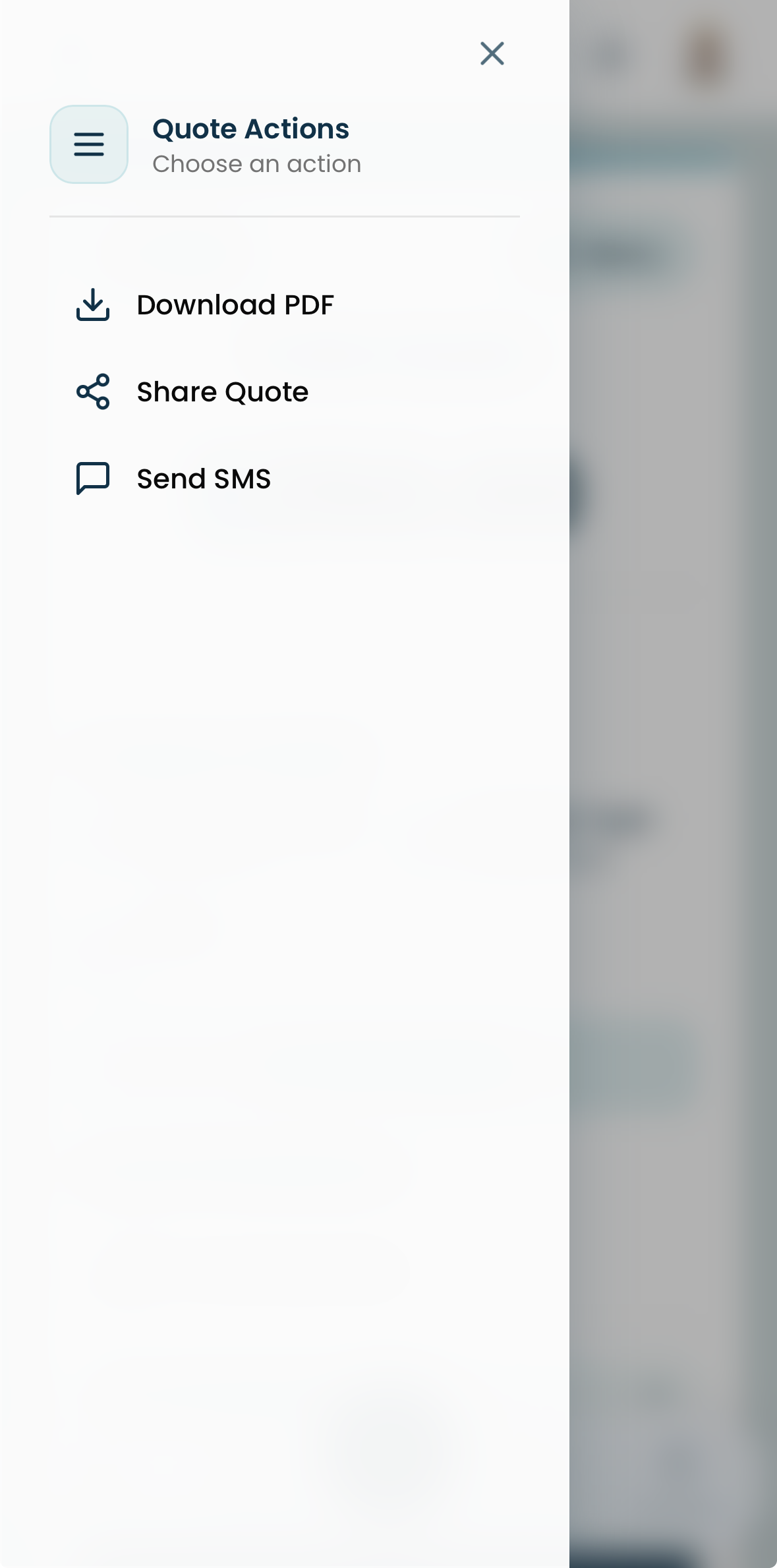
Sending a Quote
- Generate the quote in Estizee using Turbo or Advanced Quote.
- Verify the customer’s contact information.
- Select the preferred sharing method(s).
- The customer receives the quote via the chosen channel(s).
Best Practices
- Always confirm that customer contact information is accurate.
- Use SMS for quick, on-the-go delivery and email for detailed or recordable communication.
- Keep messages clear and professional.
- Monitor quote delivery and follow up if necessary.